Construction & Engineering · Updated October 6, 2026
Can I open a Procore document directly in the PDF editor?
Reviewed for technical accuracy by licensed professional engineers.
Short answer
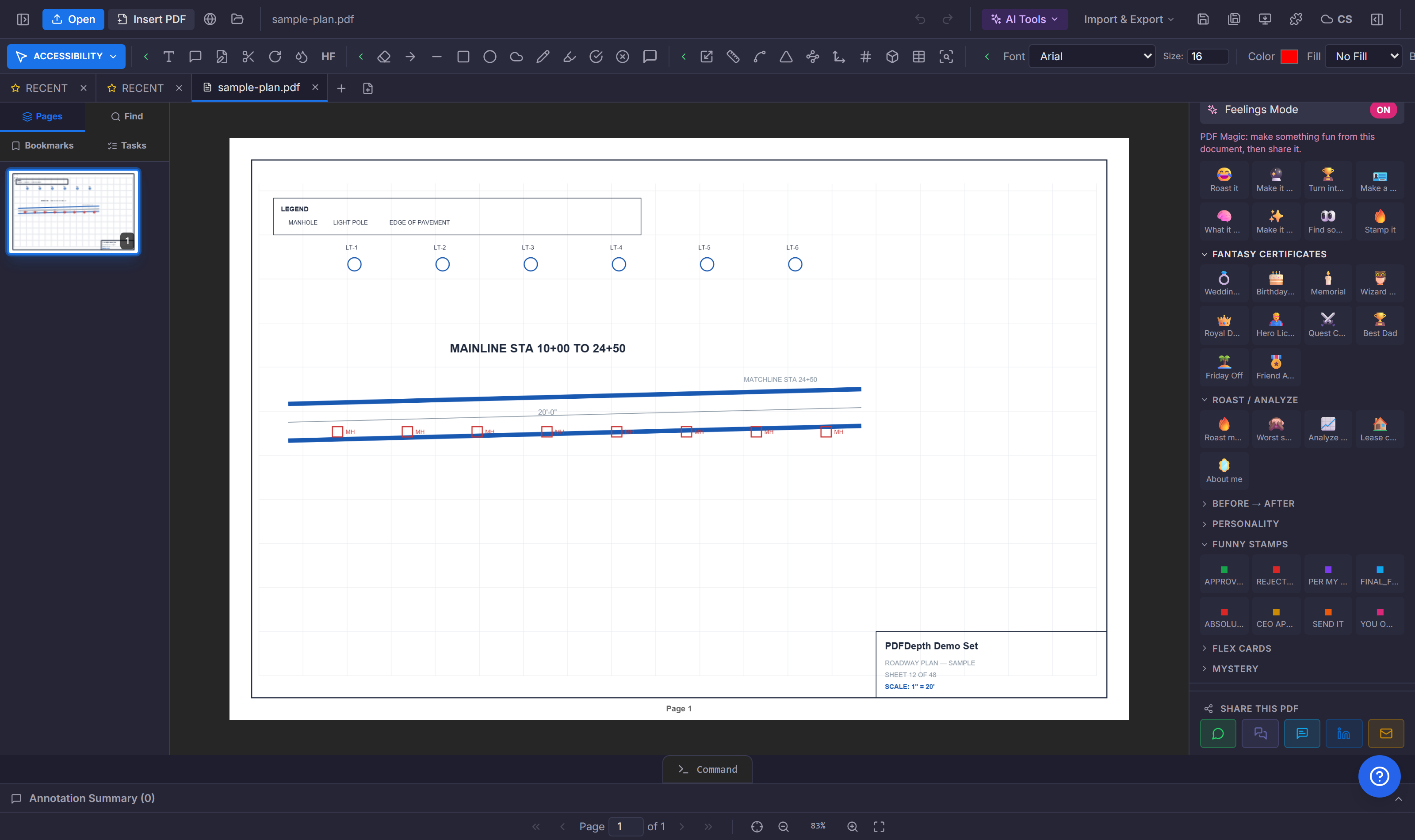
Header → Import & Export → Import from Procore asks for two things — the Procore document URL and an access token — then a server function downloads the file with your token, hands back a short-lived link, and the PDF opens in the editor like any document you uploaded yourself.
How the import actually works
- You paste the Procore document URL — the link to the file in your project documents.
- You paste an access token with read access to that document.
- The import function fetches the file server-side with your token as the bearer credential, stores the PDF, and returns a signed URL that expires in an hour.
- The editor downloads through that link and opens the document — no download-then-upload round trip on your connection.
What it is — and is not
This is an authenticated pull, not a logged-in integration: there is no OAuth connection, no stored Procore account, and no sync back to Procore — you bring a valid token each import. You must be signed in and the call is rate-limited. Once the file lands, it is an ordinary PDFDepth document: mark it up, measure it, share it by collaboration link, and export it when the work is done.
Where it saves time
Plan rooms live in Procore; the review work happens here. The import removes the download-folder detour — find the document in Procore, mint a token, paste both, and the sheet is on the canvas ready for the takeoff or the QC pass.
References
Everything in this article runs in the live PDFDepth workspace — the same app the workflows above were verified against.
Key takeaways
- Import from Procore lives under Header → Import & Export.
- Bring a document URL and an access token — the server fetches with your token and the PDF opens directly.
- No OAuth link or stored connection; token in, file out, short-lived signed URL.
- Imported files are normal documents — markup, measure, share, export.
Related questions
No — the import is a one-shot authenticated download. Changes you make in PDFDepth do not write back to Procore; export and re-upload if the document needs to return.
Do it in PDFDepth
In the app: Header → Import & Export → Import from Procore
Try it free — no signup, no upload
Related articles
Put it into practice
Everything above runs inside the PDFDepth workspace — free for 14 days, no credit card.
Start for Free