PDFDepth
AI for PDF documents
Ask a PDF questions and get cited answers, summarise long documents, extract structured information, and compare revisions with AI built into the workspace.
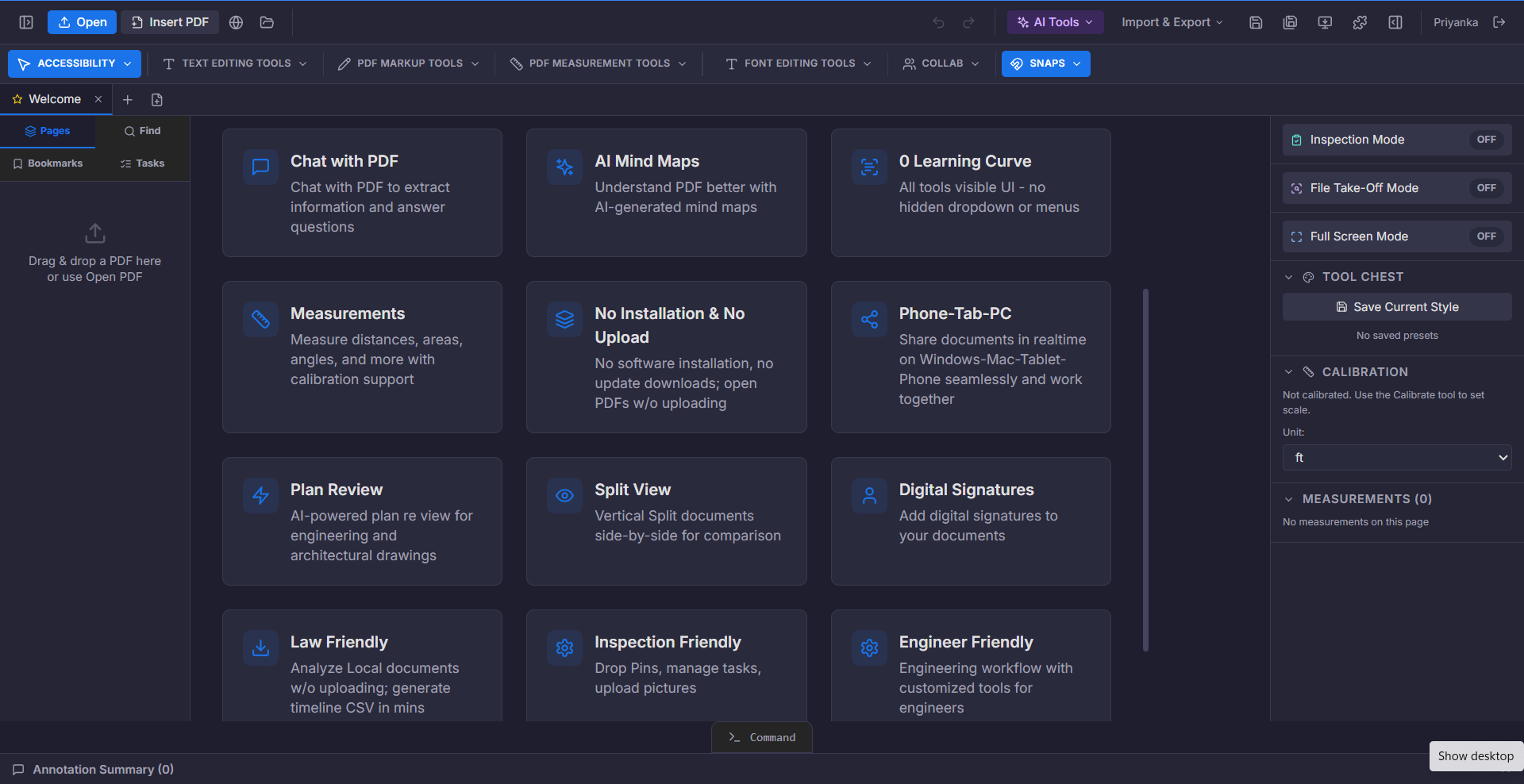
A long document is not hard to read because the words are difficult. It is hard because the answer you need is on one page out of three hundred, and you do not know which one.
Document AI turns that search into a question. You ask what you actually want to know, and the answer comes back with the page it came from so you can verify it rather than trust it blindly.
What you can do
Ask your PDF
Pose a question in plain English and get an answer with a page citation.
Summarise
Condense a long document into key points, risks, and action items.
Extract information
Pull values, dates, references, and tables out of unstructured pages.
Compare documents
Identify what changed between two versions of the same document.
Analyse drawings
Review technical drawings for missing dimensions and conflicting callouts.
Assist markup
Generate a first pass of annotations for a human to review and approve.
Who it is for
- Lawyers working through case files, contracts, and exhibits
- Engineers checking specifications against drawings
- Estimators and project managers reading plan sets
- Anyone who receives more documents than they can read
How it works
- 1Open a documentNative PDFs work immediately; scanned pages run through OCR first.
- 2Ask a questionType what you need. The AI reads the document and answers with a source.
- 3Verify and continueClick the citation to jump to the page, then ask a follow-up.
Related capabilities
Chat with PDF
Upload a plan, spec, or contract and ask questions in plain English. The AI reads every page, finds the exact source, and gives you a cited answer — no more 200-page hunts.
Summarize PDF
Generate structured, bulleted summaries of contracts, specs, RFIs, and plan notes. Every summary highlights risks, action items, and deadlines.
AI Mind Maps
Transform dense specs into interactive mind maps of tasks, dependencies, deadlines, and decisions — so the whole team stays aligned.
Try it on your own document
$1/day for up to 14 days. Then $375 a year for the whole workspace.
Start for $1/day