PDFDepth
PDF annotation and markup
Annotate PDFs with highlights, drawings, shapes, stamps, and comments. Built for document review as well as technical drawing markup.
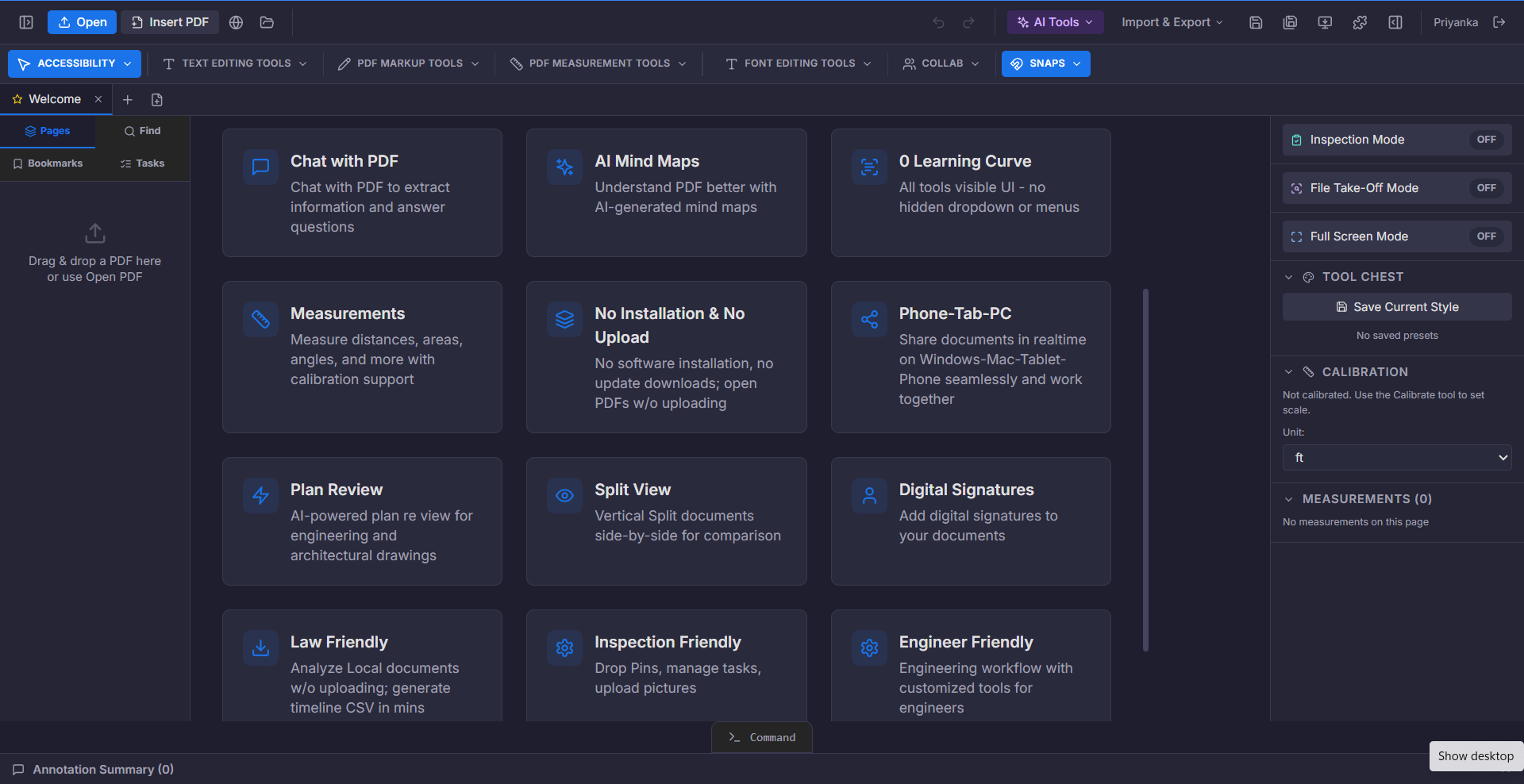
Markup is how review actually happens. Somebody circles the problem, writes why it is a problem, and sends it back. If that has to happen by printing, marking with a pen, and scanning again, the loop takes days instead of minutes.
A proper markup toolset keeps the whole loop inside the document — with every comment anchored to the exact place on the page it refers to.
What you can do
Highlight and underline
Mark text passages with colour and keep the original readable.
Draw and shape
Freehand drawing, lines, arrows, rectangles, and clouds for callouts.
Stamps
Apply review stamps and reusable marks across a document set.
Comments
Attach threaded comments to a specific point on a specific page.
Annotation summary
Produce a consolidated list of every markup for distribution.
Images in markup
Drop a site photo directly onto the drawing it relates to.
Who it is for
- Architects and engineers issuing drawing comments
- Construction teams recording field observations
- Legal and business teams reviewing contracts
- Inspectors documenting issues on site
How it works
- 1Open the documentWorks on native PDFs and scanned sheets alike.
- 2Mark it upHighlight, draw, stamp, and comment with the full toolset visible.
- 3Share for reviewSend a link or export an annotation summary for the record.
Related capabilities
Try it on your own document
$1/day for up to 14 days. Then $375 a year for the whole workspace.
Start for $1/day