Inside the Workspace · Updated October 13, 2026
How does PDFDepth's built-in AI compare to MCP-connected tools like Bluebeam Max?
Short answer
The MCP approach gives you a pipe to a single AI model — and makes you bring the model: a separate account, a separate desktop app, connector configuration, and a subscription for each model you want. PDFDepth takes the opposite approach: Plan Review fires six frontier models — Gemini 2.5 Pro, GPT-5.4, Claude Sonnet, Kimi K2.7, Qwen Plus, and DeepSeek V4.1 — plus deterministic rule engines at the same document simultaneously, merges their findings into a consensus-ranked list, and cites every flag to an exact sheet. No accounts to create, no connectors to configure, no separate AI bill.
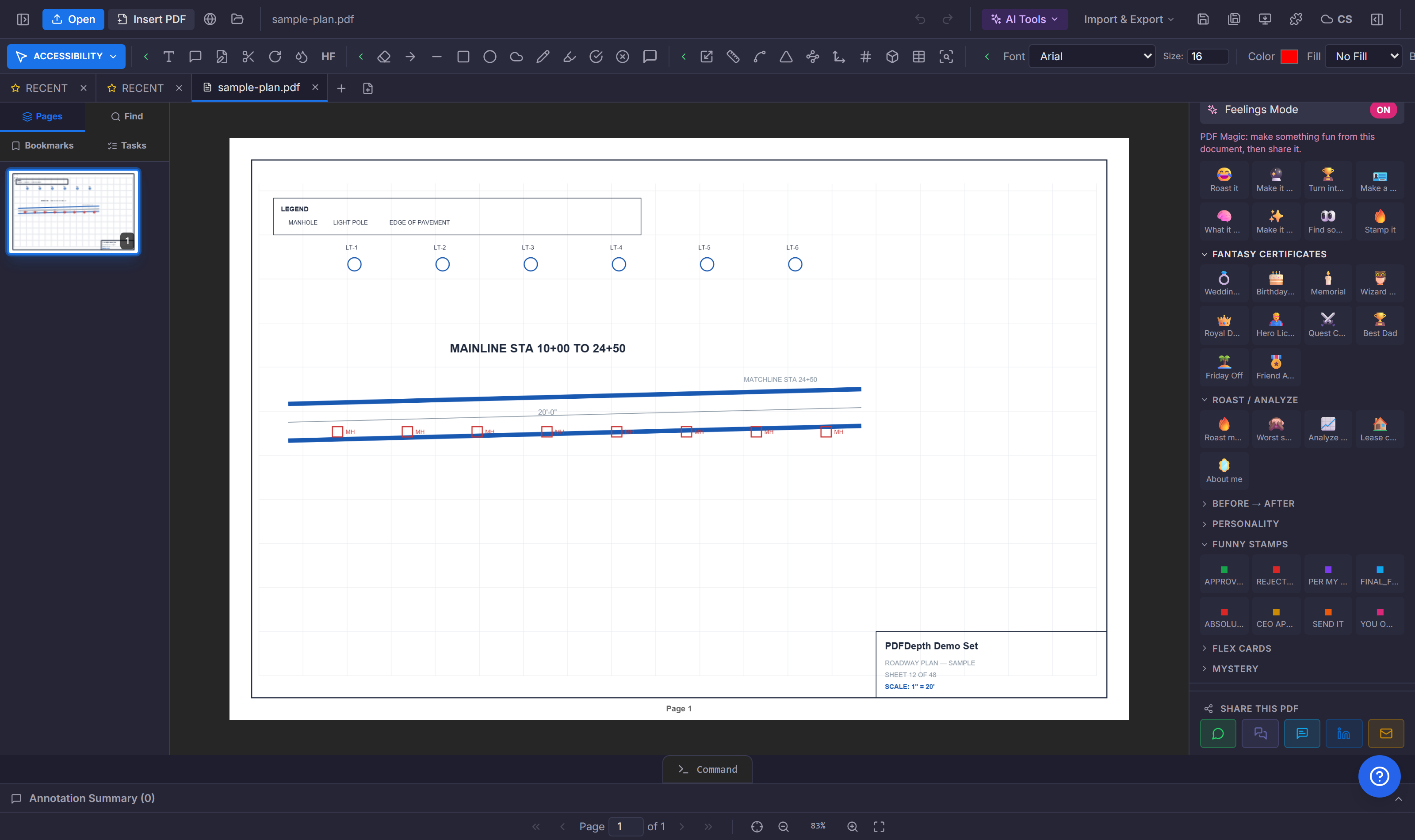
Two ways to put AI in a drawing tool
The first wave of "AI in your PDF editor" arrived as a connector. Bluebeam Max is the clearest example: its AI features work through a Model Context Protocol server that links Revu to an external AI model. MCP is a genuinely useful standard — but it is a pipe, not a feature. The pipe still needs something on the other end, and bringing that something is your job.
The second approach treats AI as part of the tool itself. PDFDepth's Plan Review is not a chat window plugged into a PDF — it is a purpose-built review pipeline where multiple frontier models, deterministic rule engines, and a coordinate-aware cross-reference audit all examine the same set and the results are merged, deduplicated, and consensus-ranked. You press one button; the orchestration is the product.
What the connector approach actually asks of you
Take Bluebeam's own setup list for Revu + Claude. You need Revu 21.9 or later. You need the Max subscription — the premium tier, above Complete. Then you sign up for a Claude account separately, install the Claude desktop application on the same machine, enable MCP in Revu Preferences, and activate the Bluebeam connector inside Claude. Bluebeam University offers a whole course just on getting this working.
And here is the part that matters most: you do all of that for one model. Bluebeam's own FAQ says the integration launches with Anthropic's Claude, and that other models — Copilot, ChatGPT, Perplexity, Gemini — come "as soon as they provide desktop apps with MCP integration." Each one means another account, another app, another configuration, another subscription. You never get the models checking each other's work, because only one is connected at a time.
One model is an opinion. Six models is a review.
When you run Plan Review in PDFDepth, the same page images go to Gemini 2.5 Pro, GPT-5.4, Claude Sonnet, Kimi K2.7, Qwen Plus, and DeepSeek V4.1 — in parallel. Alongside them run deterministic engines: a code-edition rule pack, and a cross-reference audit that reads the text layer with coordinates and checks that schedules match sheets, callouts resolve, and references land on real pages.
Then the part no single-model setup can do: the pipeline merges every finding, counts how many independent sources flagged the same issue, and ranks by consensus. A note three different models caught independently reads very differently from a note one chatbot hallucinated — and the results panel tells you exactly which models ran, which failed, and which agreed on each finding. Every flag cites the sheet it came from, so you verify in one click instead of taking it on trust.
That difference — independent sources agreeing, with receipts — is what separates "an AI looked at your drawing" from "your drawing was reviewed." A reviewer does not want a chatbot's vibe; they want every credible engine's opinion at once, and the overlap tells them where to look first.
The hidden costs of the connector model
- Two subscriptions for one feature — the premium Max tier plus a separate paid AI account. PDFDepth's multi-model AI is included in one subscription.
- Setup per model — account, desktop app, preferences toggle, connector activation, and troubleshooting when the pipe breaks. In PDFDepth there is nothing to connect; the models ship inside the product.
- One opinion at a time — the connector talks to whichever single model you configured. There is no consensus, no cross-check, no "three engines flagged this same sheet."
- Prompt expertise required — an MCP pipe does discrete tasks you describe: "find X," "update this markup." A plan review needs an orchestrated multi-pass workflow with merged, deduplicated, cited results — that pipeline has to exist somewhere, and with a connector it does not.
- Availability by proxy — you get whichever models happen to ship desktop MCP apps this quarter, not whichever models are actually best for the job.
Where MCP still makes sense
To be fair to the connector approach: MCP is excellent for open-ended automation — scripting repetitive edits, querying markup metadata, driving the app from a chat client. If your goal is a programmable remote control for the tool, a connector is the right primitive.
But plan review is not a remote-control problem. It is a judgment problem that benefits enormously from independent second, third, and sixth opinions — the same reason real projects put multiple reviewers on a set. For that job you want the multi-model pipeline built into the tool, not a single-model pipe you assemble yourself.
| PDFDepth built-in AI | MCP connector (e.g., Revu + Claude) | |
|---|---|---|
| Setup | None — it ships inside the tool | Separate AI account, desktop app install, preferences toggle, connector config — per model |
| Models per review | 6 frontier models in parallel + deterministic engines | Whichever one model you connected |
| Consensus checking | Findings ranked by how many independent sources agree | Not possible — one opinion at a time |
| AI cost | Included in the subscription | Premium plan tier + separate paid AI subscription |
| Output | Merged findings cited to the exact sheet, with per-model status | Whatever the connected model returns to your prompt |
Everything in this article runs in the live PDFDepth workspace — the same app the workflows above were verified against.
Key takeaways
- MCP connectors make you bring the AI: separate accounts, apps, and configuration — one model at a time.
- PDFDepth runs six frontier models plus deterministic engines on the same set simultaneously — no setup.
- Consensus matters: findings are ranked by how many independent sources agreed, each cited to a sheet.
- One subscription includes the multi-model AI — no premium tier plus a separate model bill.
- Connectors suit open-ended automation; plan review wants a purpose-built multi-model pipeline.
Related questions
Model Context Protocol is a standard for connecting an app to an external AI model. It is a good remote-control pipe — the model can drive the app's features. But it makes you supply the model: an account, a desktop app, and configuration per model, and only one model is connected at a time.
Do it in PDFDepth
In the app: Right panel → Plan Review
Try it free — no signup, no upload
Related articles
Put it into practice
Everything above runs inside the PDFDepth workspace — free for 14 days, no credit card.
Start for Free